Set Alert and Alert Manager
-
How do I set alerts in Fidelity Trader+™ Desktop?
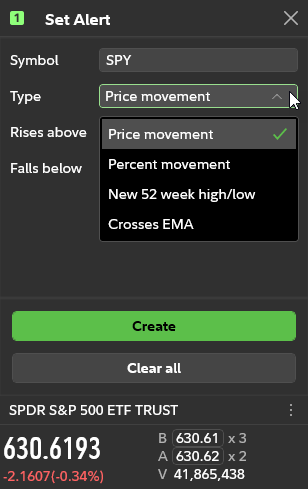
In the Tools menu, under News & Research, select Set Alert. In Fidelity Trader+™ Desktop, this will open a Set Alert window. Use the drop-down menus to set alerts based on Price movement, in dollars or percent movement, new 52-week high or low, and price crosses EMA (exponential moving averages) of 20-day, 50- day, 200-day periods.