Tools
-
How do I access tools in Fidelity Trader+™ Desktop?
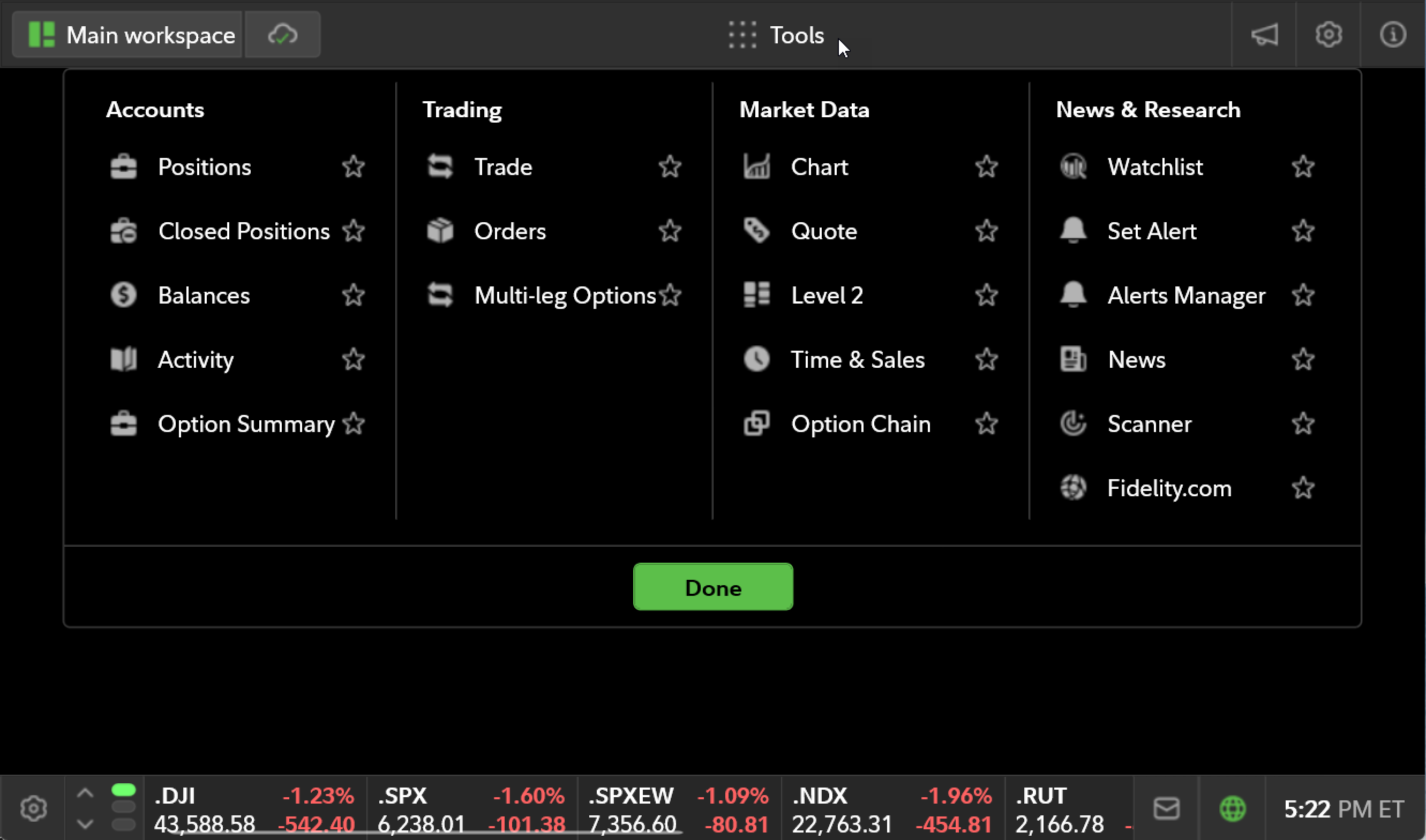
Access Fidelity Trader+™ Desktop tools from the header on the top center of the screen. Selecting Tools will open a menu with a list of tools categorized under Accounts, Trading, Market Data, and News & Research.
-
How do I favorite a tool in Fidelity Trader+™ Desktop?
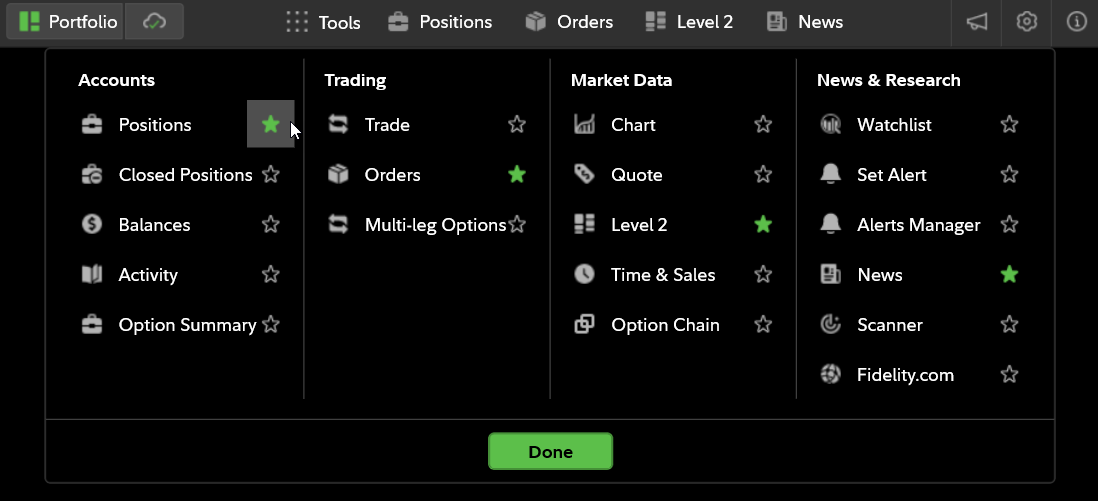
To pin a tool as a favorite within Fidelity Trader+™ Desktop, select the star next to the tool name under the tool drop-down. When the star is highlighted, the tool will be pinned to the top of menu bar, to the right of the Tools drop-down.
-
How do I open additional tools in Fidelity Trader+™ Desktop?
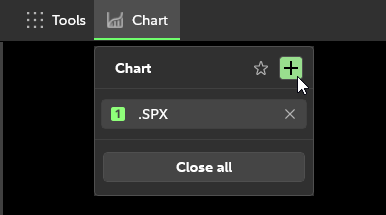
To open additional iterations of the same tool in Fidelity Trader+™ Desktop, select the tool from the top navigation bar, and then select the plus sign (+).
-
How do I close a tool in Fidelity Trader+™ Desktop?
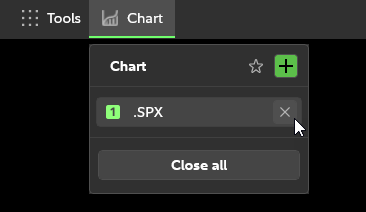
Selecting the X on the top right of the open tool panel will close that instance of the tool. You can also select Close all, to close all instances of that tool within Fidelity Trader+™ Desktop.
-
How do I resize tools in Fidelity Trader+™ Desktop?
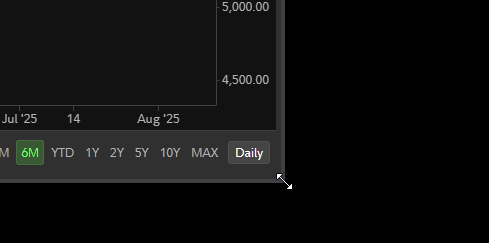
Resize tools in Fidelity Trader+™ Desktop by positioning your mouse to the border, then selecting and dragging to make the tool larger or smaller. You can also double-select the header or select the maximize button to maximize your tool. Double-select the header again or select the restore button to return the tool to its original size.
-
How do I reposition tools in Fidelity Trader+™ Desktop?
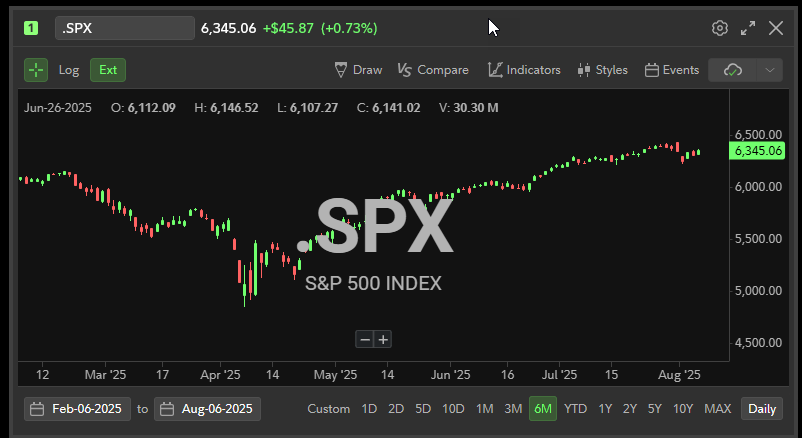
Select the top header of any tool and drag to reposition the tool within Fidelity Trader+™ Desktop.
-
How do I resize columns in Fidelity Trader+™ Desktop?
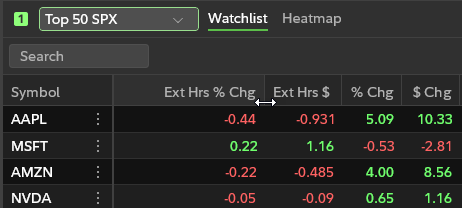
To resize the columns within most Fidelity Trader+™ Desktop grid tools, such as the Positions tool, place the mouse on the edge of the column, left-select, hold, and drag the column to the desired size.
Linking Tools
-
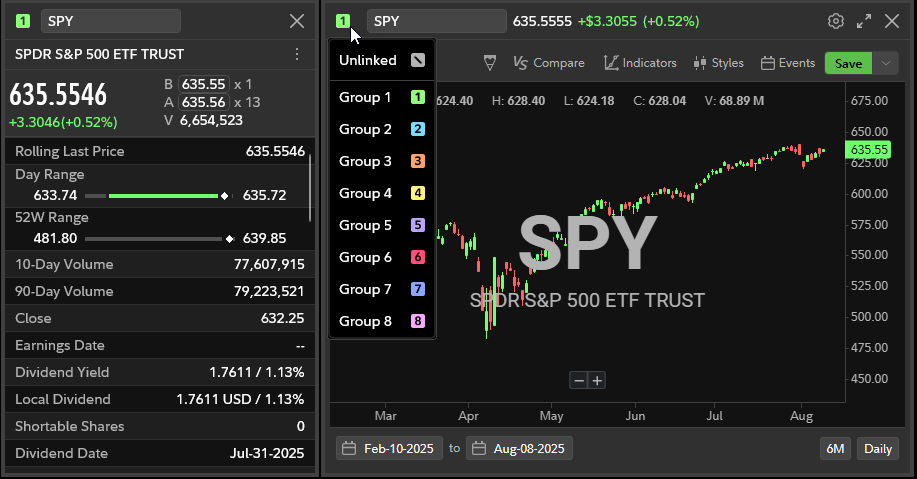
How do I link tools in Fidelity Trader+™ Desktop?
Select the link icon in the top left corner of the tool. For example, the link icon is located to the left of the search bar within the Chart tool. Linking tools in Fidelity Trader+™ Desktop lets you synchronize activity across multiple tools, so changes made in one are instantly reflected in the others. For example, updating a stock symbol in the Quote tool will automatically update it in a linked Chart tool as well. You can link up to 8 sets of tools in Fidelity Trader+™ Desktop.