Scanner
-
How do I access the Scanner tool in Fidelity Trader+™ Desktop?
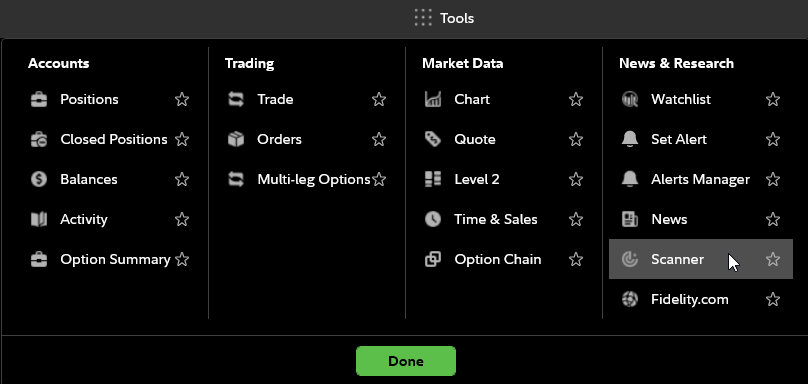
In the Tools menu, under News & Research, select Scanner. In Fidelity Trader+™ Desktop, this will open a Scanner window, which defaults to the Markets tab. The Scanner tool enables you to scan or filter investment data based on market, technical, and options-related criteria.