

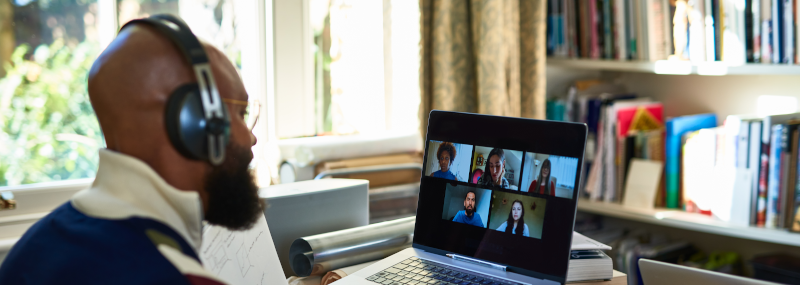
As video job interviews become more common, presenting your best self on camera is more important than ever. In some situations, video may be your only option for an interview and because of this, it's sensible to approach a video interview with the same energy, enthusiasm, and professionalism that you would an in-person interview.
While you should prepare and do your due diligence, here are some video interview tips and best-practices to consider.
Test your technology
Make sure your internet connection is fast and stable enough for video, beforehand. Don't wait until the hour of your interview. Be proactive. If necessary, consider switching from wi-fi to a wired ethernet for increased speed and stability. Also, check that your camera and audio are working properly. Test your microphone, speakers, and other audio beforehand too. It's a logical choice to be prepared to use a headset if needed.
Download the latest version and familiarize yourself with whatever app is being used for the interview, whether it’s Skype, Zoom, FaceTime, or another service. Don't forget to make sure the device you’re using is fully charged or plugged in so there aren't any surprising battery issues.
Have a backup plan
No matter how much you prepare, sometimes technology just doesn’t cooperate. The internet could go down or the electricity could go out. Your computer freezes up too. Before beginning an interview, be sure to provide the interviewer with a phone number where you can be reached in case there are any issues connecting—they can have direct access to contact you. Many professional video apps offer an option to call in for audio, which is a great way to make sure you remain connected should the video feed fail during the interview.Arrange your lighting and location
Find a quiet, private, well-lit place to do the interview. Avoid public places like coffee shops where you can’t control background noise. Avoid sitting in front of a sunny window, which may cast a shadow over you—sitting opposite a window or bright light will generally give you the best lighting. It could be helpful to do a test run, ideally at the same time of day the interview is scheduled, to get an idea of your lighting situation. Also double check the angle of your camera. It could need adjusting so it's not too high or too low.Dress formally
Just like an in-person interview, fully dress (head to toe). Just because your upper body may only be visible, fully dressing gives the same energy as in-person and you'll avoid any surprises if you need to stand up. In general, try to match or dress a notch above the company’s dress code or make your best effort to wear professional clothing. It's a good idea to avoid plaid, stripes, or bright colors, as they can be distracting on camera.Rehearse being on video
If you're uncomfortable with the technology or how you look or sound on camera, be sure become familiar with the technology and practice. Set up mock interviews or even social calls with friends, just to get used to having video conversations. You could also prepare talking points to reference and keep you on track, use sticky notes with keywords to jog your memory, and even record yourself and play it back to see how you're presenting yourself. You could do this until you feel as natural talking on camera as you would on the phone or in person.